
Walkthroughs, tips and video solutions
Bus Traffic Fever! All Levels Complete Solutions
The complete fan-made guide hub for Bus Traffic Fever!. Video walkthroughs for 579 levels, practical queue-and-bus strategies, and quick help when the passenger queue will not budge.
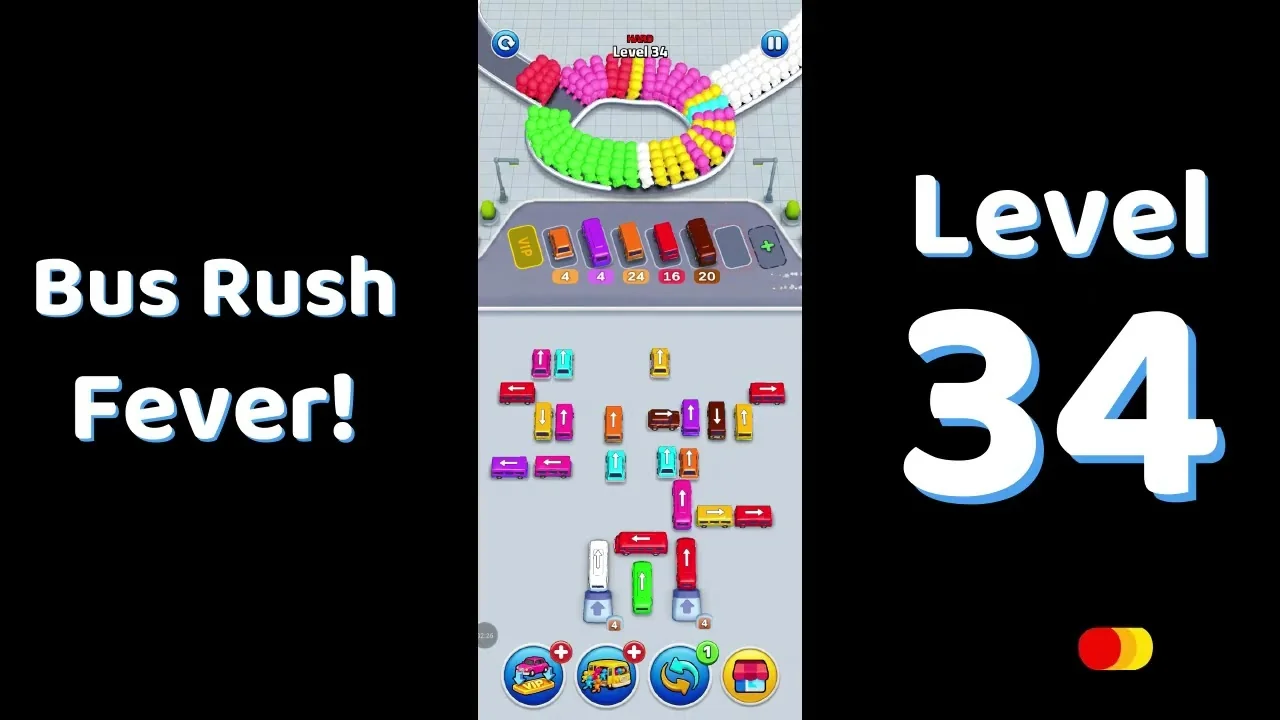
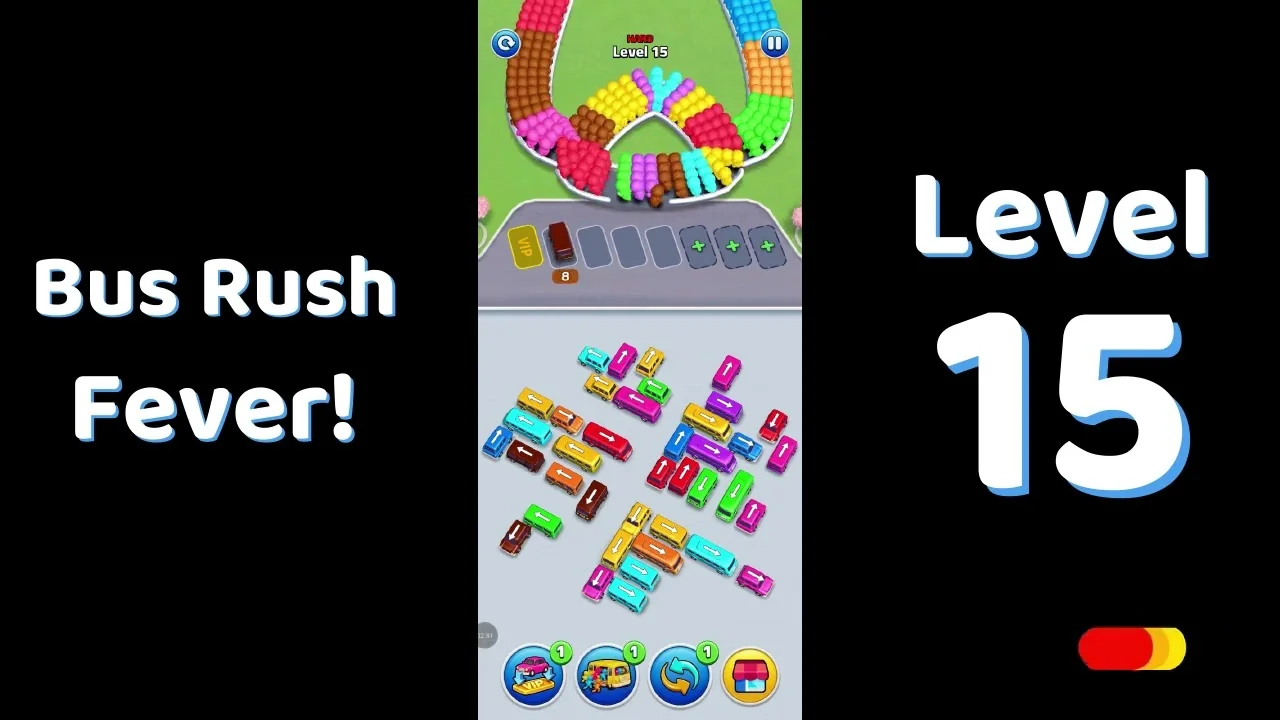
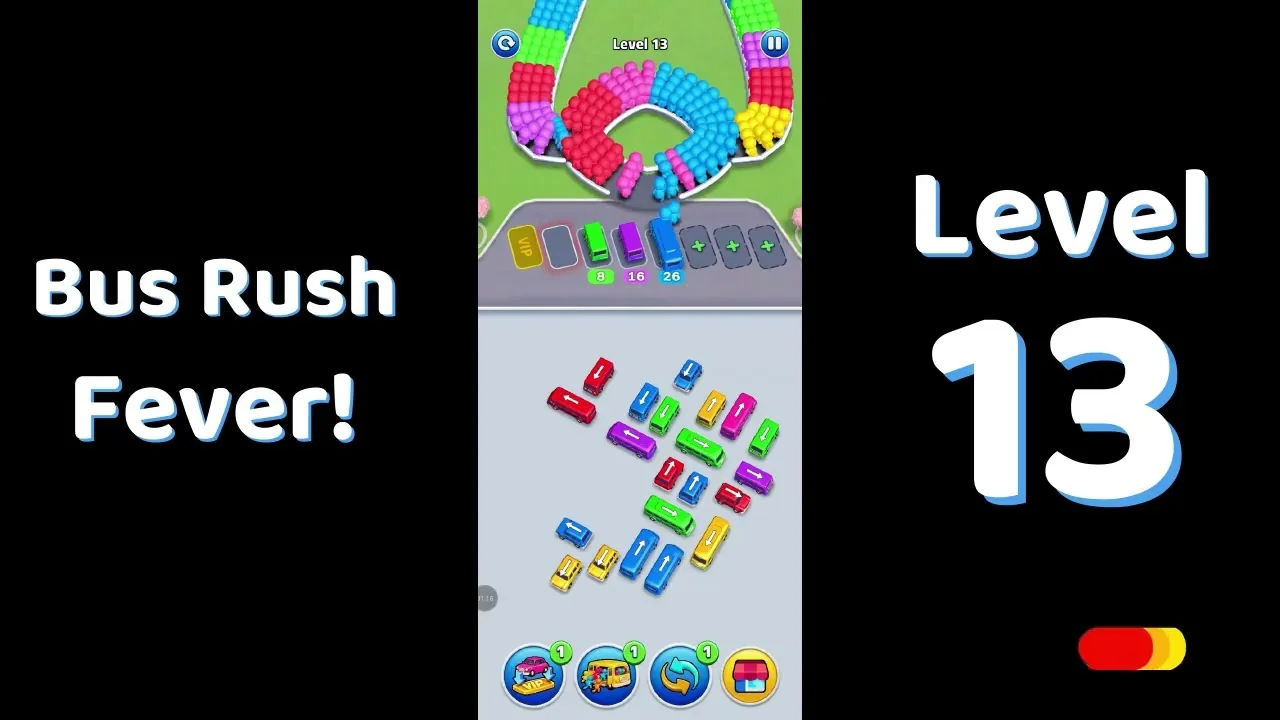
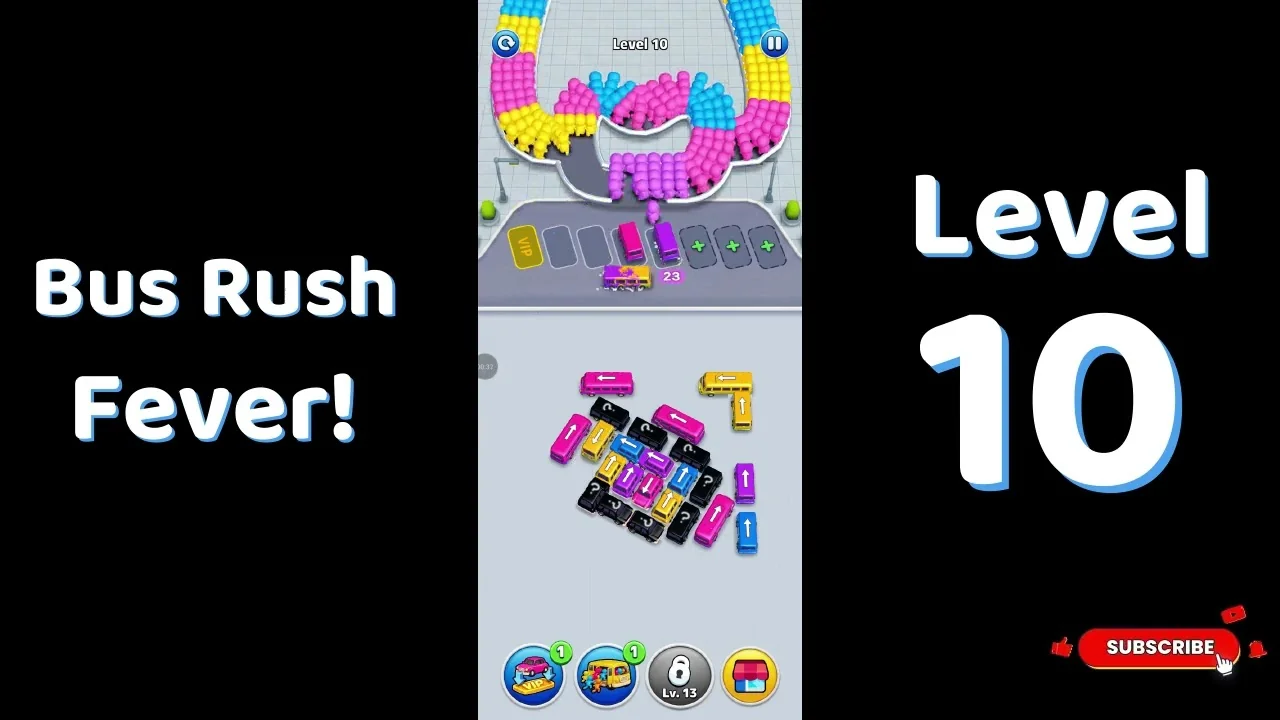
Featured walkthroughs
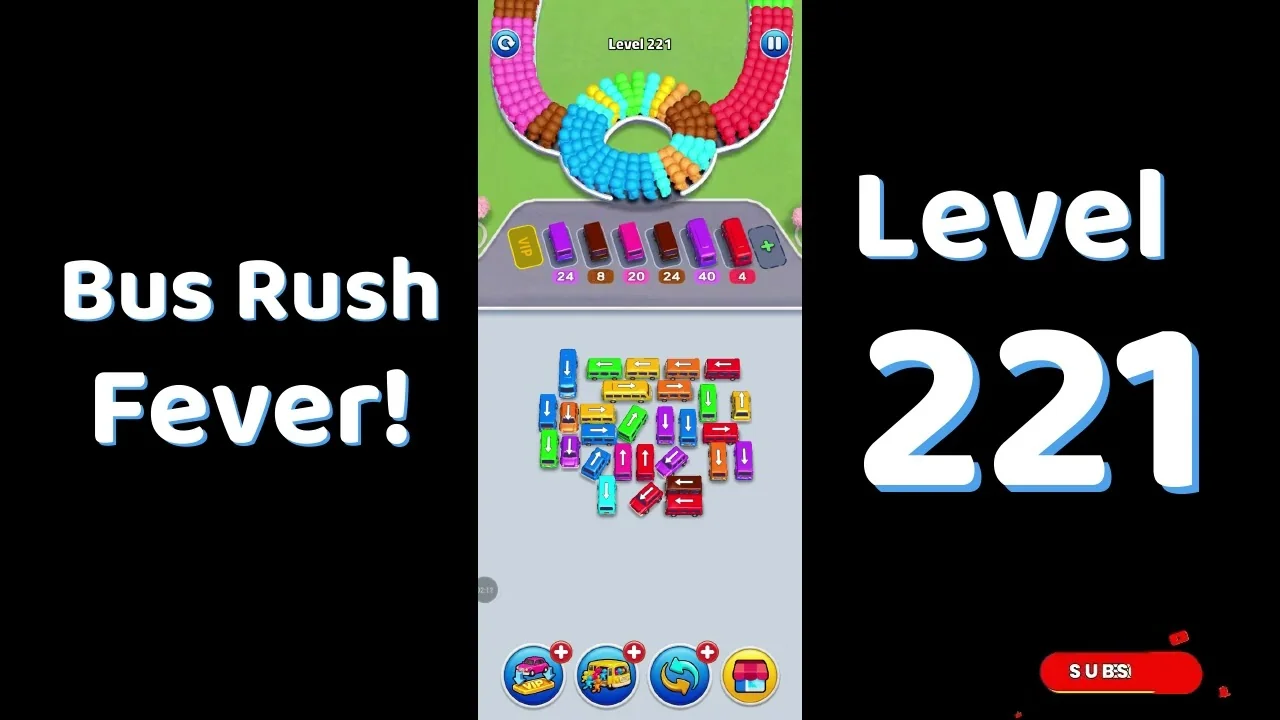
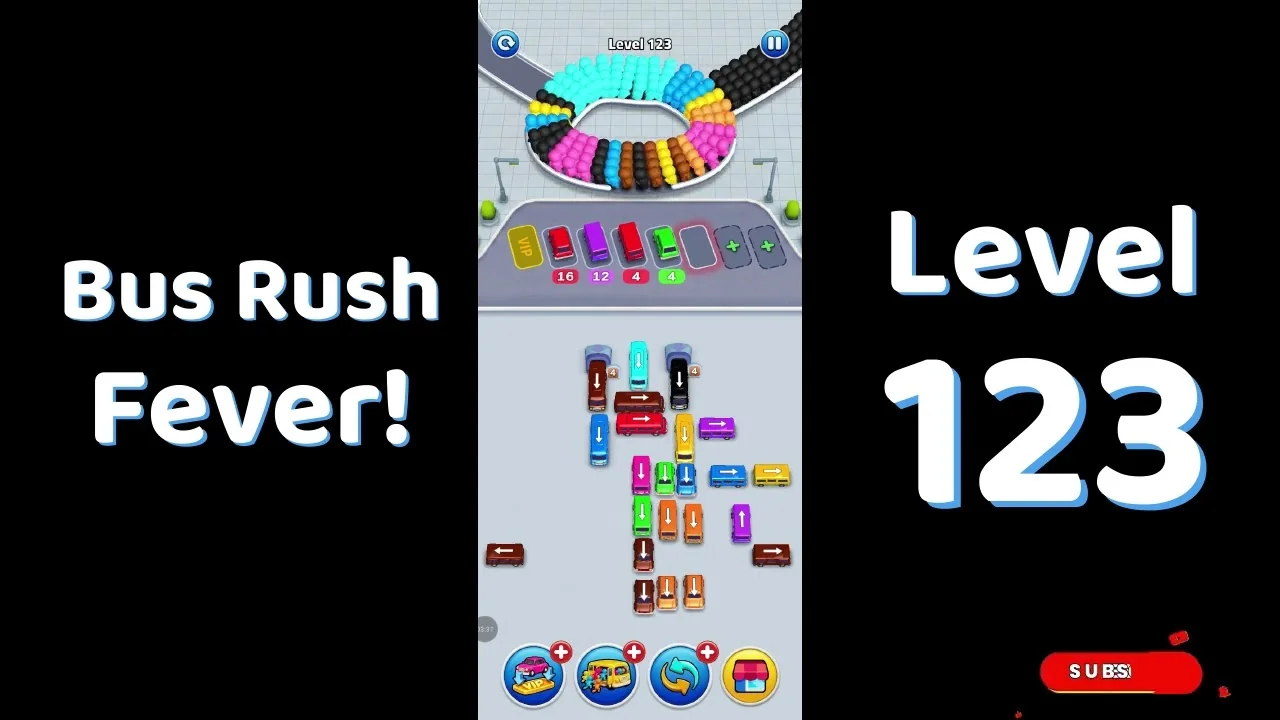
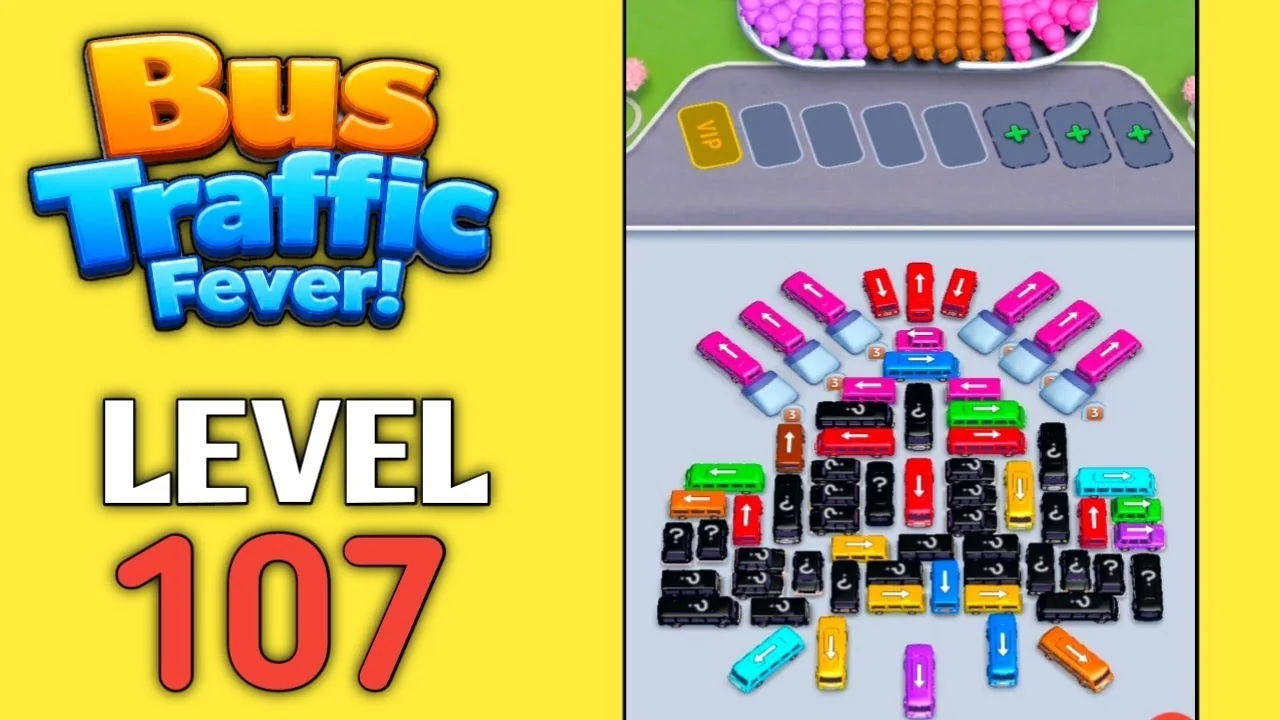
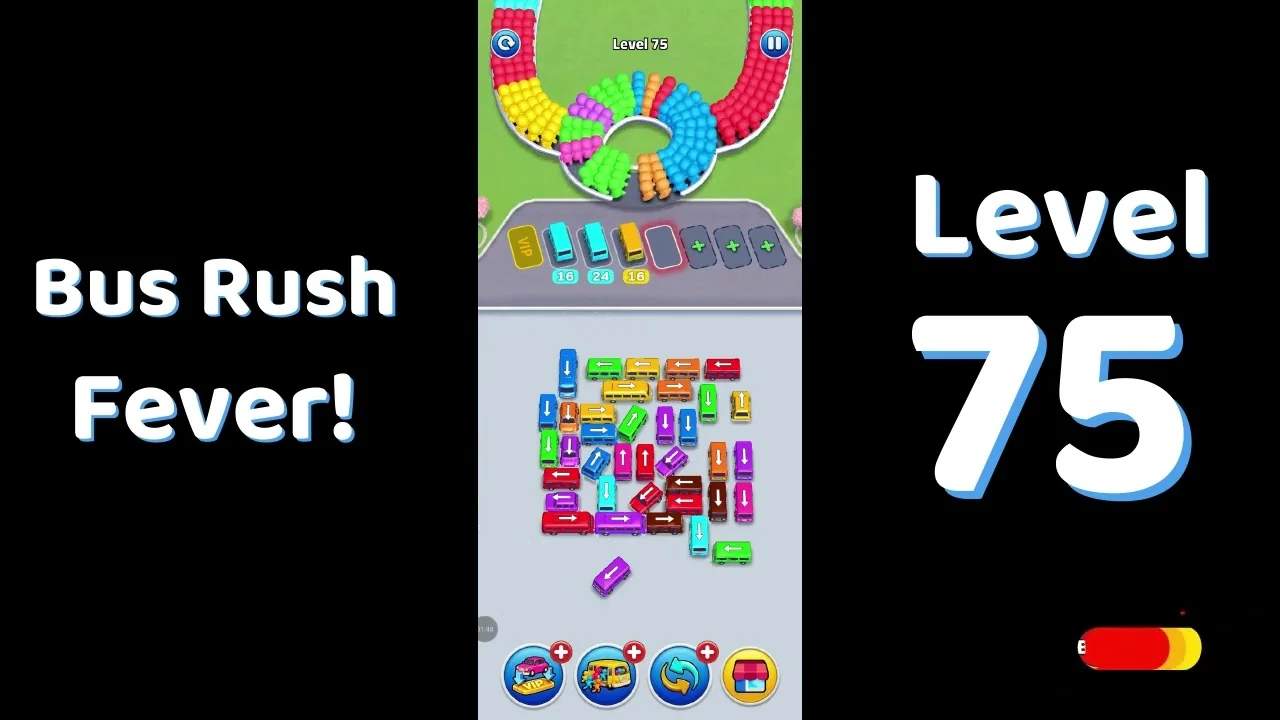
The levels players search for most - each with a full video guide.








New blog posts
Fresh level walkthroughs and strategy guides from our playthroughs, newest first.
What is Bus Traffic Fever!?
Bus Traffic Fever! is a mobile queue-and-bus puzzle from GOODROID,Inc. A U-shaped passenger queue rotates color-coded groups toward a boarding point, while a jammed field of colored buses waits below. Tap a bus whose path is clear to send it into a station slot; it boards passengers of its own color and pulls out when its counter reaches zero.
The challenge is order, not speed. The color at the boarding point decides which bus is useful, and a station slot filled with the wrong color can leave no room for the next group — the game's Out of Slot failure. Each board is a short planning problem: read the entrance, pick an accessible bus from the field, and keep a slot free for what comes next.
Read the boarding entrance
The U-shaped queue rotates passengers past one entrance at the bottom. The color there is the only color that can board right now; groups further back have to wait for the loop to carry them forward.
Send a matching bus from the field
Buses sit in a jammed field below the station row. Tap one whose path is clear and whose color matches the entrance; it drives into a free station slot and starts loading.
Watch the counter under the bus
The number under a station bus is the load still to take. It counts down as matching passengers board; at zero the bus leaves and its slot opens for the next one.
Keep a station slot free
If the row fills with colors that are not boarding, the next matching bus has nowhere to go — the Out of Slot failure. Recycle a bus before the row fills, and re-read the entrance after every departure.
Golden rules from top players
A bus only serves its own color
Parking a red bus while purple is boarding does not help: it occupies a slot and cannot load. Match the bus to the color at the entrance before you dispatch it.
One free slot buys the next move
Keep at least one station slot empty during a long color sequence so the next matching bus can enter. A full row of unmatched colors is the usual way a run gridlocks.
Duplicate colors are normal
Two buses of the same color in the station row or the field are not a mistake. A large passenger group can need more than one load before the loop moves on.
Restart before the row gridlocks
If every station slot holds a color that is not at the entrance, restart. A clean opening with the right first bus is faster than rescuing the jam.
Bus Traffic Fever! FAQ
Quick answers to the questions players ask most.
How do I play Bus Traffic Fever!?
Passengers rotate around a U-shaped queue toward a boarding entrance, and a jammed field of colored buses waits below the station row. Tap an accessible bus that matches the color at the entrance; it drives into a free station slot, loads matching passengers and leaves when its counter reaches zero. If the station row fills with colors that are not boarding, the next bus has nowhere to go — keep a slot free and re-read the entrance after each departure.
Is Bus Traffic Fever! free to play?
Yes. Bus Traffic Fever! is free to download from Google Play or the App Store. It may show ads and offer optional in-app purchases, but you do not have to pay to play through the levels.
How many levels does Bus Traffic Fever! have?
The walkthrough library currently covers 579 levels between Level 1 and Level 580, Each listed level has its own board image, difficulty rating and video walkthrough. Level numbers without a published video are not listed.
Where can I find Bus Traffic Fever! level solutions?
Every level page contains the board image, its difficulty rating and the full YouTube solution for that exact level. Use the search box on the levels page to jump straight to a number, or browse the 40-level range that contains it.
Why do I keep getting stuck on the same level?
Most failed runs start with a bus that does not match the boarding entrance. A bus only loads its own color, so parking the wrong one fills a station slot without clearing the queue; once every slot is occupied by the wrong colors, the next matching bus cannot enter. Check the entrance before each dispatch, keep one slot free, and restart if the row is already gridlocked.
Can I play Bus Traffic Fever! offline?
The game is designed for short offline sessions once it is installed, so you can normally keep playing without a connection. Store purchases and some ads may still require internet access.
Stuck at the bus stop right now?
Open the walkthrough library and watch the full video solve for your level. Every page includes the board image, its difficulty rating and the walkthrough video.
Find my levelOr browse the featured walkthroughs players open most →